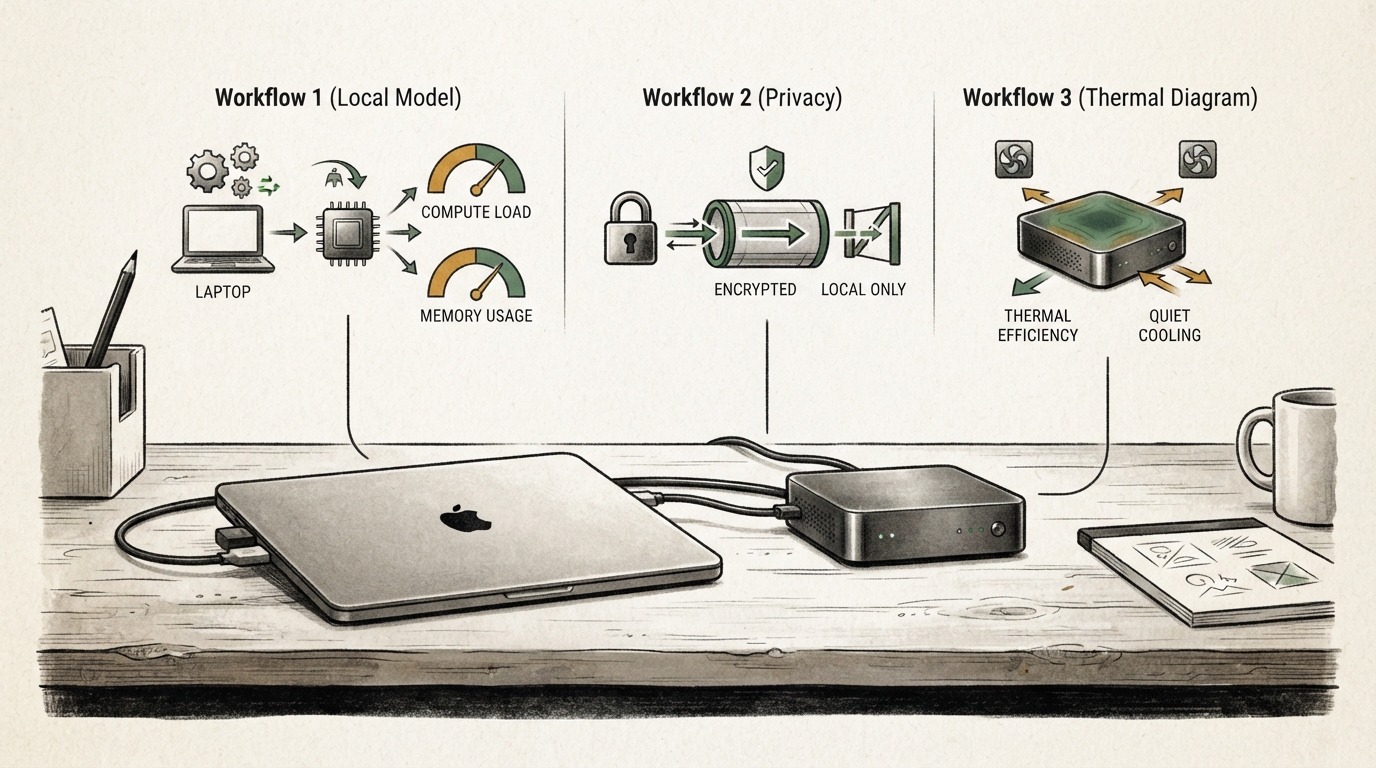
Running a model locally can keep a small task on your Windows laptop, but “local” is not a complete safety or value judgment. A downloaded model may run on the device while optional search, account, plug-in, logging, or update features use a network. A fast demonstration may also hide a large storage requirement, a poor fit for the task, or a model that becomes awkward to maintain after the first week. The useful question is not whether local AI is fashionable; it is whether a specific local workflow earns its space, time, and operational attention.
Define what local must mean for your work
Start with a one-sentence thesis for the setup. For example: “I want to summarize short notes that I can keep on this laptop,” or “I want a local test endpoint for a small development tool.” Those are different jobs. The first emphasizes document handling and privacy boundaries. The second emphasizes repeatability, interfaces, and maintenance. Neither requires you to promise that every feature is offline forever.
Write down the non-negotiables before you install anything. They might include available disk space, Windows version, an approved data boundary, acceptable response time, or the ability to remove the model cleanly later. This prevents a common mistake: discovering the practical constraint after a multi-gigabyte download has occupied the drive that Windows and your work files depend on.
Ollama’s Windows documentation says the application runs as a native Windows app and provides a local API, while its model storage can require substantial additional space. The documentation also describes a user-level OLLAMA_MODELS environment variable for changing where downloaded models are stored. That is a useful option when the system drive is not the right home for experimental model files. It is not a substitute for checking the destination drive, backup policy, and available free space yourself.
Plan storage before the first model download
Treat a model download like a new data set, not like a small app installer. Decide where it belongs, how much room you are willing to allocate, and what will alert you when the space is no longer justified. If you use a separate internal or external drive, make sure it is reliably available when the tool starts. A model path that disappears after a dock change or drive-letter change creates confusing failures and encourages duplicate downloads.
Keep the model location distinct from your irreplaceable documents. This is not because model files are inherently dangerous; it is because large, disposable assets and personal work have different maintenance needs. You should be able to see what is consuming space, remove an experiment, and leave the rest of the machine healthy. Check the tool’s documentation before moving an existing installation, and restart the relevant app or terminal after changing an environment variable so the new setting is actually used.
Do not guess at model size or hardware behavior. Different models and versions can have very different demands, and Windows hardware varies widely. The useful plan is modest: start with the smallest model that might solve your task, reserve enough room for it and normal system operation, and stop if the storage trade-off is already unattractive. A local setup that makes Windows updates, backups, or everyday work harder has not earned its convenience.
Test one task you already understand
The second part of the plan is a disposable, repeatable task. Choose material you are allowed to use: a public paragraph, your own short note, or a synthetic example. Ask for a transformation you can judge without pretending that a benchmark is universal. Summarization, formatting a rough outline, extracting questions from a public document, or creating a first-pass checklist can work well because you know what a useful result should look like.
Record three things after the first run. First, how hard was it to reach a working response? Include the install steps you had to repeat, not just the final command. Second, how much storage and time did the setup consume? You do not need a laboratory benchmark; you need enough evidence to tell whether the workflow is irritating or sustainable. Third, did the output help with the actual task? A response that arrives quickly but needs a full rewrite may be less useful than a slower option that saves a real step.
Run the same small task more than once. A single good answer may be luck, and a single poor answer may reflect a vague instruction. Change one thing at a time: the prompt, the model, or the input length. Keep the note small enough that you can review the result. The purpose is not to declare a winner for everyone. It is to decide whether this machine and this task are a match.
Inspect the boundary instead of assuming privacy

A model served on a local endpoint is one part of a workflow. The surrounding application can still offer integrations, extensions, web retrieval, cloud accounts, feedback reporting, or automatic updates. Read the settings and current documentation for the exact tool you use. Identify where prompts, outputs, logs, and attachments are stored, and which features make outbound connections. If you cannot answer those questions, treat sensitive material as out of scope.
Use the least sensitive input for your first tests. Do not turn a local experiment into a reason to copy confidential files into an unfamiliar tool. If the workflow eventually needs private data, obtain the appropriate approval and document the settings that make the boundary acceptable. “The model is on my laptop” is not a complete description of the data path.
The same discipline applies to the local API. A loopback address is useful for local development, but you should understand which program is listening, who can access the machine, and whether another application is forwarding data elsewhere. Keep experimental services limited to the access they need. Close or remove them when the task ends rather than leaving a forgotten background process as a permanent part of the machine.
Maintain the setup deliberately
Local AI has an ownership cost. Models, applications, drivers, and integrations change. Build a small maintenance record: model name, storage location, task it supports, relevant settings, and a date to review whether you still use it. This is especially valuable if more than one person uses the laptop or if an experiment becomes a shared team tool.
When a model stops being useful, remove it intentionally. Confirm which files belong to the model and which belong to the application, then free the storage and update your notes. Do not assume an uninstaller removes every downloaded asset, and do not delete folders blindly if you share the machine with other tools. The Windows documentation identifies several locations used by the app and its models; use current documentation for the version you have before cleaning up.
Keep the task boundary narrow. A local model can be a good fit for repeatable drafting, private experimentation, or a development prototype. It may be a poor fit when you need current information, a guaranteed service level, a large shared workflow, or a capability your hardware cannot provide comfortably. Choosing a hosted service in those cases is not a failure of local AI; it is a clearer match between requirement and tool.
Common mistakes
The first mistake is downloading a large model before deciding where it belongs. The second is treating a local model as proof that every part of the workflow is private. The third is using a single impressive output as the measure of quality. The fourth is turning an experiment into a production dependency without an owner, backup of the important inputs, or a way to reproduce the setup.
Avoid all four by keeping the first test small. Use separate storage when appropriate, a harmless task, explicit settings review, and a short maintenance note. If the setup passes those checks, expand it gradually. If it fails, remove it and keep the lesson. A reversible experiment is a successful experiment even when the answer is no.
Make the test repeatable
A useful local-AI test leaves behind a small record someone else could follow. Save the exact model name, the runner version, the storage path, and the prompt you used. Keep a copy of the harmless sample input and a short note about what a good answer looked like. These notes turn a vague memory—“it was pretty good last month”—into a comparison you can repeat after a model update or Windows change.
Add a failure check as well as a success check. Disconnect optional integrations if the product allows it, restart the application, and confirm that the local task still behaves as you expect. Check what happens when the model path is unavailable, when the disk is nearly full, or when the request is too large. You are not trying to make the experiment fail theatrically. You are learning whether a predictable, understandable recovery exists. A setup that says clearly that a drive is missing is easier to own than one that silently downloads a second copy or returns an unexplained error.
If you compare a local option with a hosted one, give both the same task and review standard. Count the work around the answer: moving files, waiting for a response, checking output, and keeping the tool working. Privacy, cost, quality, and speed are all valid criteria, but they are not interchangeable. Write down which criterion decided the result. That makes a later change of mind an informed update rather than a new round of tool enthusiasm.
Decide with the whole workflow in view
The useful outcome of this process is not a verdict that local models are universally private, fast, or economical. It is a documented choice for one machine and one job. If the local option keeps an appropriate task within a verified boundary, leaves Windows healthy, and produces reviewable work at an acceptable pace, keep the setup small and useful. If it burdens storage, support, or quality without changing the work enough, remove it. Recording that result prevents the next experiment from starting from the same assumptions.
Review the decision after a few weeks of normal use. A setup that was worthwhile on day one can become unused, and a narrow experiment can grow into a workflow with new data or support requirements. That review is part of keeping a local tool genuinely local to the job it was chosen for.
Limits
This guide does not certify a particular model, laptop, or privacy configuration. Hardware, model releases, application settings, and integrations change. The practical standard is modest: know where the files live, know what task the setup supports, and know which data boundary you have actually verified.